SMS Reply Numbers
You can set extra SMS reply numbers or names in Profiler (if using a SMS Gateway provider) via the Integration setup.
For each number or name you wish to add, follow these steps
Go to** Setup > Integration > Social and Media Setup**

In the **Outgoing SMS **section of the screen, go to Extra Outgoing IDs
You can put in the names/phone numbers you wish to send from in this field, to separate them, simply put a comma between them.
When finished click **Save Changes **and you will be able send from these names/numbers.
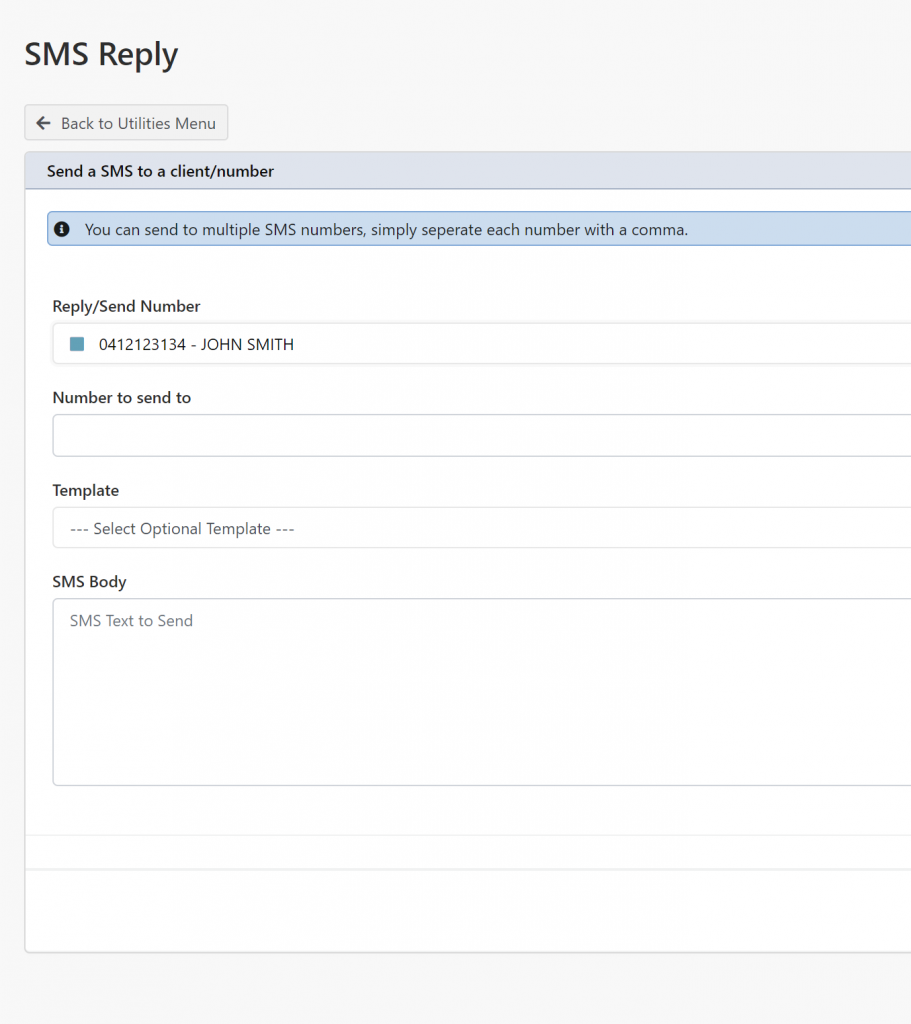
You can put a description in the mobile number to help identify the number on the Send SMS screen – by using a PIPE ( | ) symbol. For example if you want to send from a number and then a description use a PIPE like below
0412123134|JOHN SMITH,04159999999|TEST
You can see this on Utilities > SMS Reply