Deleting Clients
In some situations you may want to delete a client in Profiler. It is preferable you make them inactive or merge them with another client if they are a duplicate, however should you wish to delete them permanent, this article explains that process.
From Utilities > Database Management Tools > Delete Client
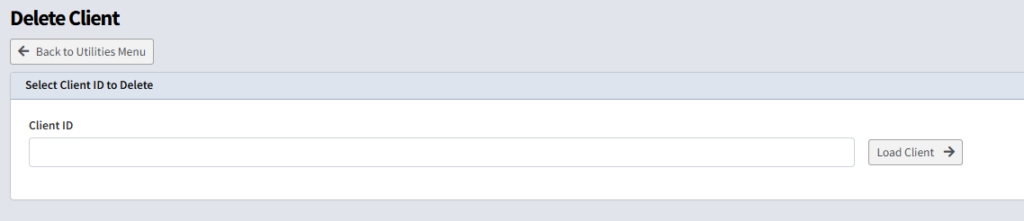
- Put in the client ID number you wish to delete and click Load Client
If a client has financial history, they cannot be deleted, and inactiving or merging with another client is the only option
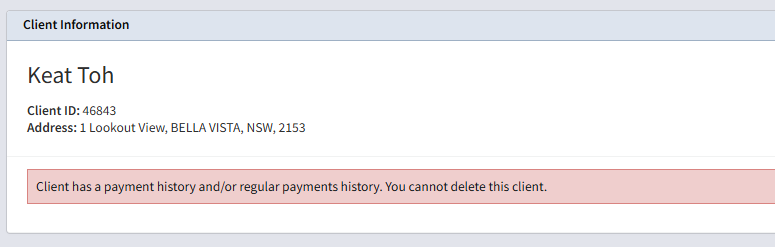
Should the client be correct to delete you will see a summary and Delete this client can be pushed when ready to delete

Deleting is permanent. Ensure you are checking that you need to delete this client.
client
delete
remove